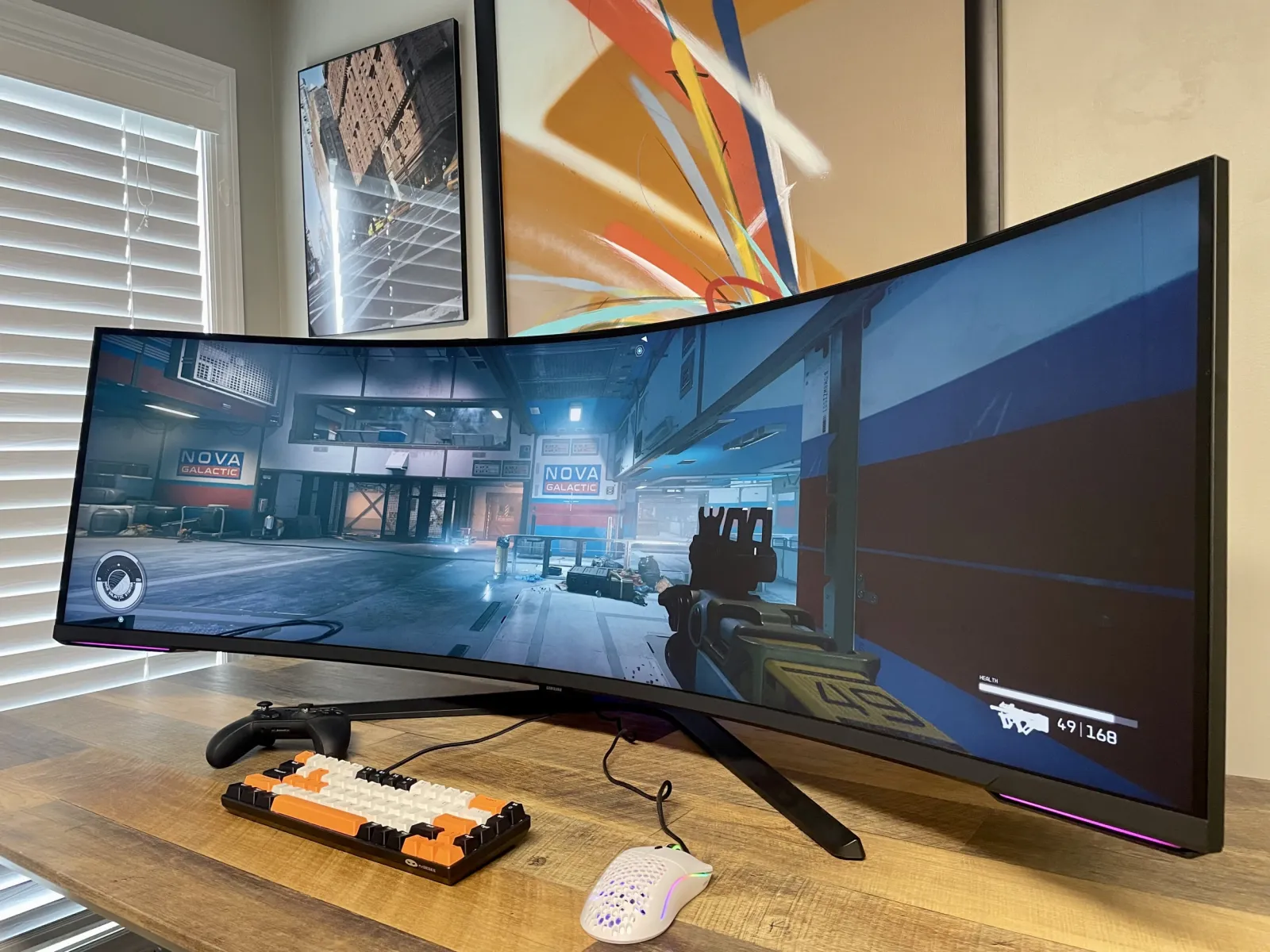
For many PC gamers , the Samsung Odyssey Neo G9 (especially the new OLED G9) always holds a special place on their ultimate dream list. As a 49-inch , 32:9 aspect ratio, 1000R extreme curvature “monster,” this monitor is more than just an ordinary screen; it’s practically a cockpit windshield on your desktop . Especially when experiencing highly immersive games like Cyberpunk 2077 or Microsoft Flight Simulator, the sense of immersion it delivers is unparalleled by any traditional screen.
However, after impulsive purchases , many users begin to face the awkward reality: the table is too small, making it inconvenient to control the field of view when playing competitive games, and there are too many black bars when watching 16:9 format videos, etc.
If you’re not purely a driving simulator enthusiast, or if you have needs for more mainstream use cases, a top-of-the-line 4K IPS monitor (such as the LG UltraGear or ROG Swift) might be a more sensible choice. In 2025, faced with the choice between “extremely curved” and “universal flat screens ,” which one is more suitable?
We conducted an in-depth comparison from three dimensions: gaming experience , office productivity , and desktop aesthetics and space occupancy .
I. Game Experience: Immersion vs. Field of View Control
Samsung Odyssey Neo G9 (32:9)
Advantages: Ultra-wide field of view.
Thanks to its massive 32:9 aspect ratio , this monitor offers a much wider horizontal field of view than traditional monitors . In ultra-wide-screen-supported games like League of Legends and racing games , players can see more scene details, such as enemies on the side or the rearview mirrors of other cars , providing a greater ability to react quickly .
Disadvantages: Compatibility issues.
Many older games or competitive FPS games (such as Valorant) do not support this extremely wide resolution, forcing you to endure huge black bars on both sides. Furthermore, the excessively wide screen can cause neck fatigue in games like CS2 that require frequent viewing of the minimap , as you need to constantly turn your head to check the overall map.
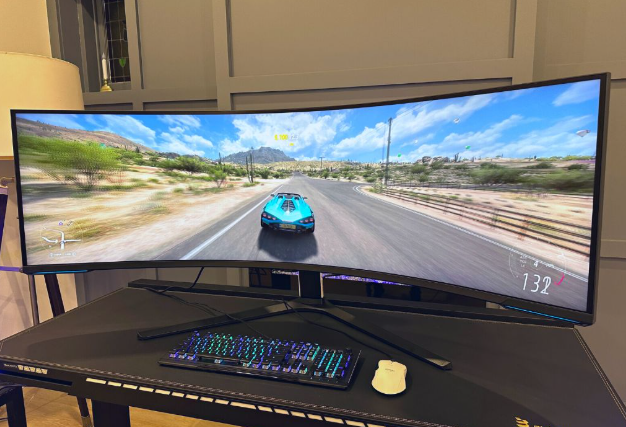
4K IPS monitor (16:9)
Advantages: The standard and sharp
32-inch 4K resolution offers extremely high pixel density (PPI), resulting in image sharpness far exceeding that of the G9 (which is essentially two 2K screens stitched together). It’s perfectly compatible with all games and consoles (including PS5 and Xbox ). Due to its 16:9 aspect ratio, it’s not limited by ultrawide screens, making it suitable for various game genres without compatibility issues.
Disadvantages: Less immersive experience.
Despite its fine image quality, the 4K IPS monitor is noticeably less immersive than the G9 ‘s ultra-wide field of view , especially in simulation driving and flight games that require a very wide field of view.
II. Office Productivity: Seamless Dual-Screen vs. Independent Window
Samsung Odyssey Neo G9
Experience :
The 32:9 screen is essentially like seamlessly splicing two 27-inch monitors together , providing an enormous workspace . Whether you’re a video editor or a financial trader , you can easily manage your workflow on this ultrawide screen.
Scene :
Video editing : You can stretch the work area on the timeline to handle complex projects without frequently switching windows.
Financial traders : You can view multiple real-time data simultaneously on one screen , such as candlestick charts , market data, and news feeds, greatly improving efficiency.
Function :
Supports PBP (Picture-by-Picture) functionality, allowing two computers (such as a Mac and a PC) to be connected simultaneously for screen mirroring , essentially equivalent to having two physical monitors.
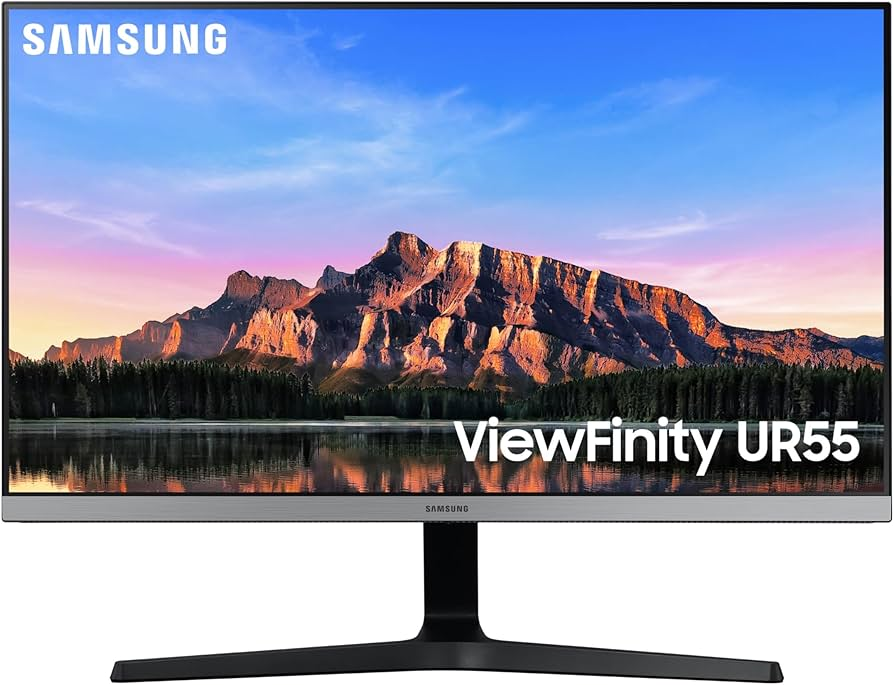
4K IPS display
Experience :
For general office needs, the 4K IPS monitor performs exceptionally well. While it cannot display multiple large windows side-by-side, the 4K resolution provides sufficiently detailed text display. Vertical space is also important for writers or programmers , allowing you to see more lines of code.
Scenario : While it can’t compare to the G9
in terms of multitasking , its performance for everyday office tasks such as text input and web browsing is still outstanding. Its accurate color and excellent display quality also meet the needs of designers.
III. Desktop Aesthetics and Space Occupation
Samsung Odyssey Neo G9
Due to its enormous size, the
G9 requires a table at least 1.2 meters long and 80 centimeters deep to fit in. Its A-frame base is also very space-consuming, and even with a stand (sold separately), it still demands considerable desk space. While it can accommodate more accessories, its large screen will inevitably reduce the space available for speakers, figurines, and other items.
Aesthetically,
the G9 is indeed a visual focal point , whether you’re gaming or working, it becomes the centerpiece of your desktop. However, this also means you’ll have to pay a higher space cost for such a large display area.
4K IPS display
With its compact size and high flexibility,
the 32-inch 4K IPS monitor is relatively small and can be easily configured as a dual-screen setup , such as placing it vertically or horizontally, or using it with a stand to create a minimalist desktop . This arrangement gives you more desktop space while keeping things neat and organized .
the aesthetics
may not be as imposing as the G9, the 4K IPS monitor still provides a modern feel in the office environment , especially with a well-designed stand that makes the desktop look cleaner and more elegant .
Conclusion: The distance between dreams and reality
Samsung Odyssey Neo G9: Ultimate Immersion, Suitable for Specific Needs
Advantages : If you are a fan of racing simulators , flight simulators , or AAA games , the G9 delivers unparalleled immersion , giving you an unprecedented horizontal field of view and a sense of presence.
Disadvantages : For everyday office work or more traditional gaming applications, its compatibility issues and space usage may feel restrictive.
4K IPS Monitor: An All-Round Tool Balancing Performance and Space
Advantages : Suitable for multiple needs such as office work , graphic design , and gaming ; good compatibility; moderate size; and more body-friendly.
Disadvantages : While it doesn’t offer the same level of immersion as the G9, it provides a versatile experience that performs perfectly in most situations.
Buying the G9 might be impulsive, but buying a 4K IPS monitor requires rationality . If you value immersion and don’t mind sacrificing space and compatibility, the G9 is your ultimate choice. If you need high performance , versatility , and don’t want to sacrifice desktop tidiness, a 4K IPS monitor is a more sensible option.