
When Samsung launched the Galaxy Tab S10 Ultra, its enormous 14.6-inch screen practically declared to the world: this was no longer just a tablet for watching TV shows, but a mobile workstation with the productivity potential of a laptop. This size, even larger than many 13-inch ultrabooks, truly demonstrated Samsung’s ambition in the tablet market.
For a long time, the iPad Pro has firmly held the title of “tablet productivity” thanks to the formidable performance of its Apple Silicon (M-series chips) . However, for true office users, iPadOS’s “Stage Manager” still feels somewhat clumsy and limited, especially in multitasking.
If you look at the entire popular smartphone and tablet market , you’ll find that only Samsung truly dares to challenge the iPad’s dominance and achieve a breakthrough in multitasking. With its exclusive DeX mode and top-of-the-line Dynamic AMOLED 2X screen, the Galaxy Tab S10 Ultra attempts to prove that Android tablets can not only get things done, but can do them better than the iPad.
In this showdown between the “King of Android” and the “King of Apple ,” which is the more worthwhile productivity tool to buy? We will conduct a detailed comparison from the following four aspects:
1. Screen size: Larger, even larger.
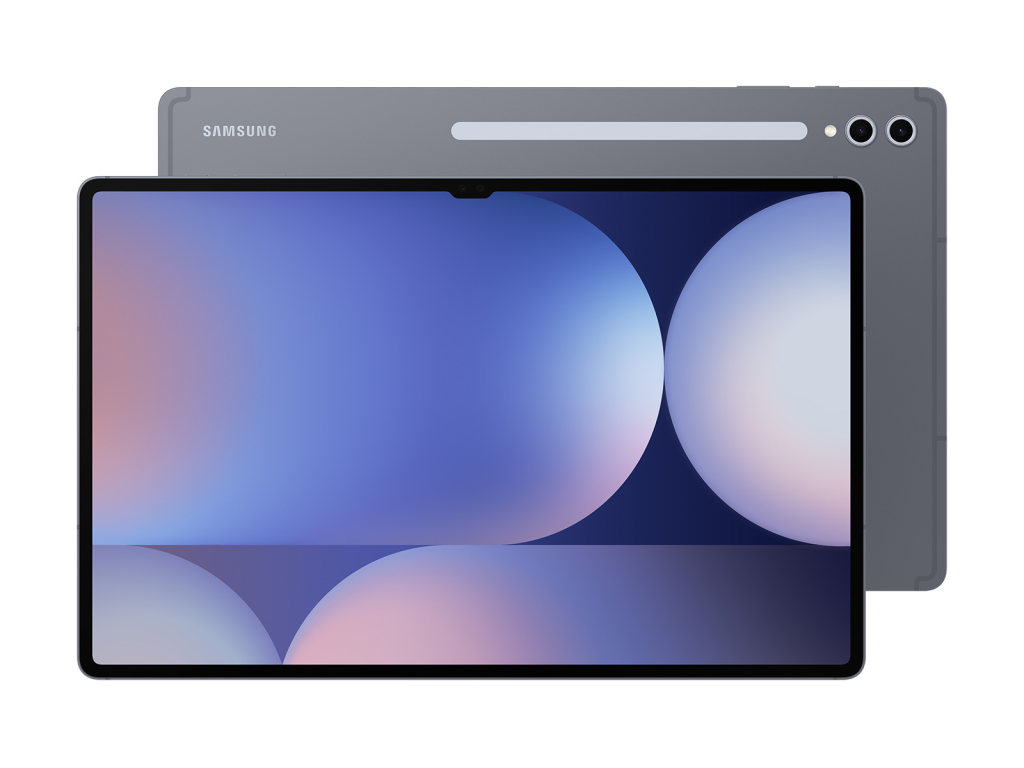
Samsung Galaxy Tab S10 Ultra: 14.6 inches, bringing a wider field of view
Samsung’s new Galaxy Tab S10 Ultra boasts an astonishing 14.6-inch screen , a size that transcends its class. When multitasking, the screen size is comparable to many 13-inch ultrabooks. You can easily split the screen , for example, opening a browser on the left, editing a document on the right, or even adding an instant messaging app in the middle – all operations are handled with ease.
Notch design : Although the “notch” design for the dual front cameras is still retained, it is paired with extremely narrow bezels to bring an unparalleled visual immersion.
Display performance : Whether displaying web pages, office documents, or watching high-definition videos, the Tab S10 Ultra’s large screen advantage is unparalleled.
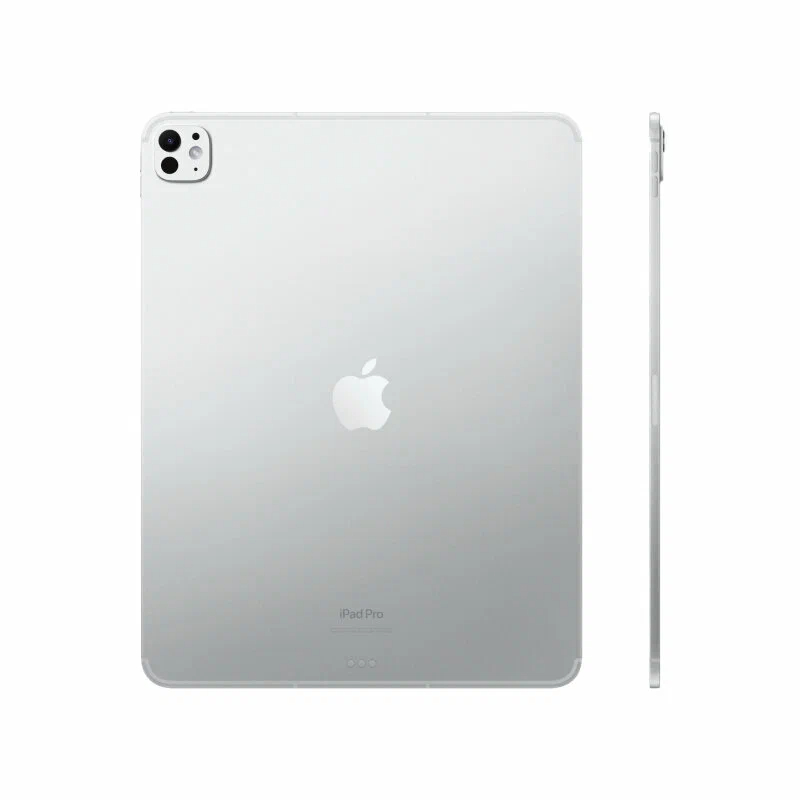
iPad Pro (2025): 13 inches, still the standard size
In contrast, the iPad Pro ‘s screen size remains at 13 inches . Although it uses dual-layer OLED technology (Tandem OLED) , its display is still bright and amazing, but the screen space is clearly limited when using multiple windows side by side.
Amazing brightness : The iPad Pro screen is very bright, making it suitable for outdoor use, but when performing efficient multitasking , the visual space is indeed not as spacious as the Tab S10 Ultra.
In summary,
the Galaxy Tab S10 Ultra, with its 14.6-inch screen, undoubtedly offers a greater advantage in terms of viewing area and multitasking.
II. Core of Productivity: DeX vs iPadOS
The fundamental difference between these two devices lies in their operating systems and working modes.
Samsung DeX: Operates like a computer
When you connect the Galaxy Tab S10 Ultra to the keyboard cover, it automatically enters DeX mode , which makes you feel like you’re using a Windows PC , providing a similar user experience.
Interface design : Similar to traditional desktop operating systems, DeX mode has a taskbar and a start menu, and all applications can run in freely scalable windows.
Multitasking : You can drag and drop files from folders into emails, copy and paste using the right mouse button, and even easily switch between multiple applications.
DeX mode allows you to enjoy a PC-like operating experience with zero learning cost , greatly improving productivity.
iPadOS: Still a tablet, touch-first
Despite the M4 chip’s more than sufficient performance, iPadOS still hasn’t fully unlocked its potential, especially in multitasking. While the Stage Manager feature supports multitasking, it’s still not as smooth as a desktop system and relies too heavily on touch controls.
File management issues : File management on iPadOS remains cumbersome and a challenge for users who truly need “desktop-level” file operations.
External monitor support : Although it supports external monitors, the operation logic is still biased towards touch operation, and it cannot provide the flexibility and convenience of Windows.
In summary,
if your work requires frequent multitasking , Samsung DeX is a more efficient choice. In contrast, iPadOS is better suited for focused work, such as creative tasks like illustration or video editing.
III. Stylus: Free S-Pen vs. Expensive Pencil
S-Pen: Free Productivity Assistant
Samsung’s generosity lies in the fact that the S-Pen is included with the device , without any additional cost.
Writing experience : The S-Pen uses a soft nib that provides a paper-like feel when writing on a glass screen, making it extremely comfortable. It also supports Air Actions , such as page turning and screenshotting.
No charging required : Unlike the Apple Pencil, the S-Pen does not require charging and can be used anytime, anywhere.
Apple Pencil Pro: An Expensive Upgrade Option
Handwriting experience : Although the Apple Pencil Pro offers haptic feedback and side rotation, the hard pen tip produces a “tap-tap” sound when writing on the glass screen, and usually requires a paper-like screen protector to improve the feel.
Additional cost : Apple Pencil Pro needs to be purchased separately and is quite expensive.
In summary,
the S-Pen is a very practical and free add-on tool suitable for everyday work. The Apple Pencil , on the other hand , is primarily aimed at professional creators, but it is more expensive.
IV. Ecosystem Interconnection: Galaxy Suite vs. Apple Suite
Galaxy Tab S10 Ultra: The Galaxy family of devices, for more seamless connectivity.
If you own a Samsung Galaxy S24 Ultra , the Galaxy Tab S10 Ultra is the perfect accessory for you.
Second screen function : You can project your phone screen directly onto the tablet for operation, or even turn your phone into the control center of the tablet.
Quick Share : Similar to AirDrop, file transfer is incredibly fast, greatly improving work efficiency.
Keyboard sharing : The tablet’s keyboard and mouse can be directly transferred to the phone screen for typing, further enhancing the collaborative work experience across multiple devices.
iPad Pro: Closely dependent on the Apple ecosystem
Apple offers multi-device collaboration features such as AirDrop and Continuity , but compared to Samsung’s Galaxy ecosystem, Apple’s device connectivity still relies on iCloud and Apple ID, which presents some limitations when used across platforms.
In summary,
if you are a Samsung user, the Galaxy Tab S10 Ultra is undoubtedly an ideal device for seamlessly connecting with your phone, supporting quick sharing and multi-device collaboration.
Conclusion: Choose the “productivity behemoth” that suits you.
The final answer to this contest depends entirely on your definition of “productivity” :
Choose iPad Pro if you are a creative professional, especially an illustrator or video editor, who relies on the ultimate chip performance to render 4K video, or if you need to use exclusive creative software such as Procreate .
Choose the Galaxy Tab S10 Ultra if you are a business professional, a student, or someone who needs to do a lot of reading, split-screen research, and working with Excel spreadsheets and documents. What you need is a lightweight touchscreen computer , not a large phone.
In the realm of “alternative laptops ,” Samsung has gone further than Apple with its DeX model.